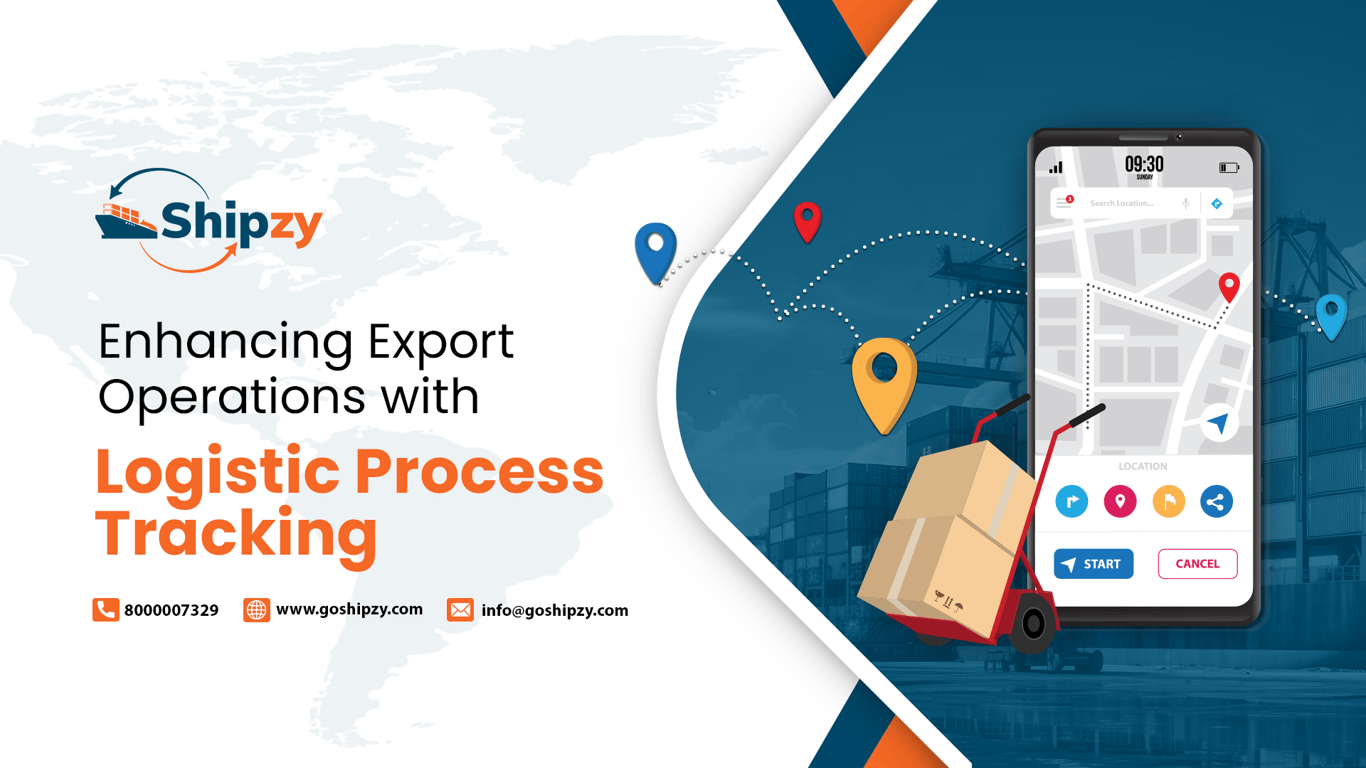
Exporters can enable the available order statuses they need and disable those that do not apply, creating a tracking process that reflects how their business operates.
A manufacturer can track work orders, production batches and processing reports. A merchant exporter can focus on purchasing, goods receipt and dispatch. Advance-payment and letter-of-credit milestones can be selected according to the payment process.
How Does Shipzy’s Configurable Order Tracking Work?
Shipzy’s order-status configuration includes enable and disable options for available stages. Your team can decide which activities to track instead of following the same checklist for every business model.
Shipzy’s Order Insight release notes also describe the ability to rename and reorder stages, with related statuses updating as users complete activities in the software.
Which Export Lifecycle Stages Can Shipzy Track?
The groups below organise representative statuses from Shipzy’s order-status configuration. They are not a mandatory sequence: production, documentation and container planning can overlap.
| Lifecycle stage | Examples of available Shipzy statuses |
|---|---|
| Quotation and order confirmation | Quotation Created; Quotation Approved; Sales Contract Generated; PI Approved |
| Buyer inputs and payment arrangements | Label Upload Pending; Label Received; Advance Payment Received; Draft LC Uploaded |
| Procurement and production | Goods Received Pending; Goods Unloaded; Production Pending; Production Completed |
| Logistics and dispatch | Container Booking Pending; Container Stuffing Pending; E-Way Bill Generated; Stock Outward Created |
| Documentation | Invoice & PL Pending; Invoice & PL Created; Shipping Bill Pending; Shipping Bill Received |
| Financial and administrative closure | Payment Received; Expense Added; bank lodgement stages; Order Completed; eBRC Closed |
1. Confirm the Quotation, Contract and Buyer Requirements
The lifecycle begins with commercial clarity. Shipzy provides statuses for quotation creation and approval, sales contract preparation, PI generation, sending documents to the buyer and PI approval.
These are different business events. A generated contract may still need to be sent, and a sent PI may still be awaiting approval.
Label-related statuses help keep buyer inputs visible. For businesses using buyer-specific packaging, a missing label can matter as much as a missing commercial document.
2. Track Advance Payments and LC Documents
Shipzy’s available statuses distinguish “Advance Payment Pending” from “Advance Payment Received.” It also separates pending and uploaded stages for draft and original letter-of-credit (LC) documents.
Uploading an LC is not the same as confirming that its terms are acceptable. Keep commercial and banking review in your operating procedure, even when the upload milestone is complete.
Choose the payment stages relevant to your transactions, and agree internally on which approvals are needed before procurement or production starts.
3. Connect Procurement, Goods Receipt and Production
Shipzy includes purchase-order or work-order stages, goods-receipt and unloading statuses, and production milestones.
Manufacturers can track production pending, production started with a batch reference, processing report creation and production completion. Merchant exporters can concentrate on procurement and goods movement.
Beyond the status timeline, Shipzy’s inventory management functionality covers goods receipts, stock types and locations, and comparison of receipts against supplier information. These records provide operational context behind progress labels.
4. Coordinate Container Booking, Loading and Dispatch
Shipzy’s configuration includes container booking, planned loading dates, actual loading dates, booking-copy details, container stuffing, e-way bill and stock-outward stages.
For example, a container booking may be complete while goods are still awaiting production. Equally, finished goods may be ready while the booking remains pending.
An end-to-end export shipment status dashboard becomes useful when it exposes these mismatches early. The team can then focus follow-up on the activity holding up the shipment.
Treat “Shipment Tracking Created” as confirmation that tracking has been set up, rather than evidence that cargo has departed.
5. Manage Invoices, Packing Lists and Shipment Documents
Shipzy tracks “Invoice & PL Pending” and “Invoice & PL Created,” alongside other pre-shipment and post-shipment documentation stages.
Its pre-shipment documentation functionality supports reusing sales-order data and managing documents by invoice or container. This can reduce repeated data entry across related paperwork.
For Indian goods exports, DGFT identifies core document categories that include the applicable transport document, commercial invoice-cum-packing list, and shipping bill or other applicable export declaration. Separate invoices and packing lists are also accepted. Additional requirements depend on the goods and transaction. Refer to the DGFT Foreign Trade Policy 2023, Chapter 2.
Use the workflow to organise preparation and follow-up. Keep document creation, internal checking and external acceptance distinct in your process.
6. Follow Shipping Bills and Banking Activities
The available statuses include “Shipping Bill Pending,” “Shipping Bill Received,” bank-lodgement stages and “Courier Docs to Bank Pending.”
When you upload a shipping bill to Shipzy Drive, Shipzy can fetch government-incentive information and prepare a separate sheet to track incentives receivable. The shipping-bill status is also updated to “Shipping Bill Received.”
Bank-lodgement stages can be tracked by recording the relevant bank reference details, including QXFC and NXFC numbers where applicable. Update the stage when the required submission, acknowledgement or entry has been completed and recorded in Shipzy.
7. Capture Payments, Expenses and Order Profitability
Shipzy provides invoice-linked payment tracking under the inward-payment section. “Payment Received,” “Expense Entry Pending” and “Expense Added” statuses reflect entries made in the relevant sections of the software.
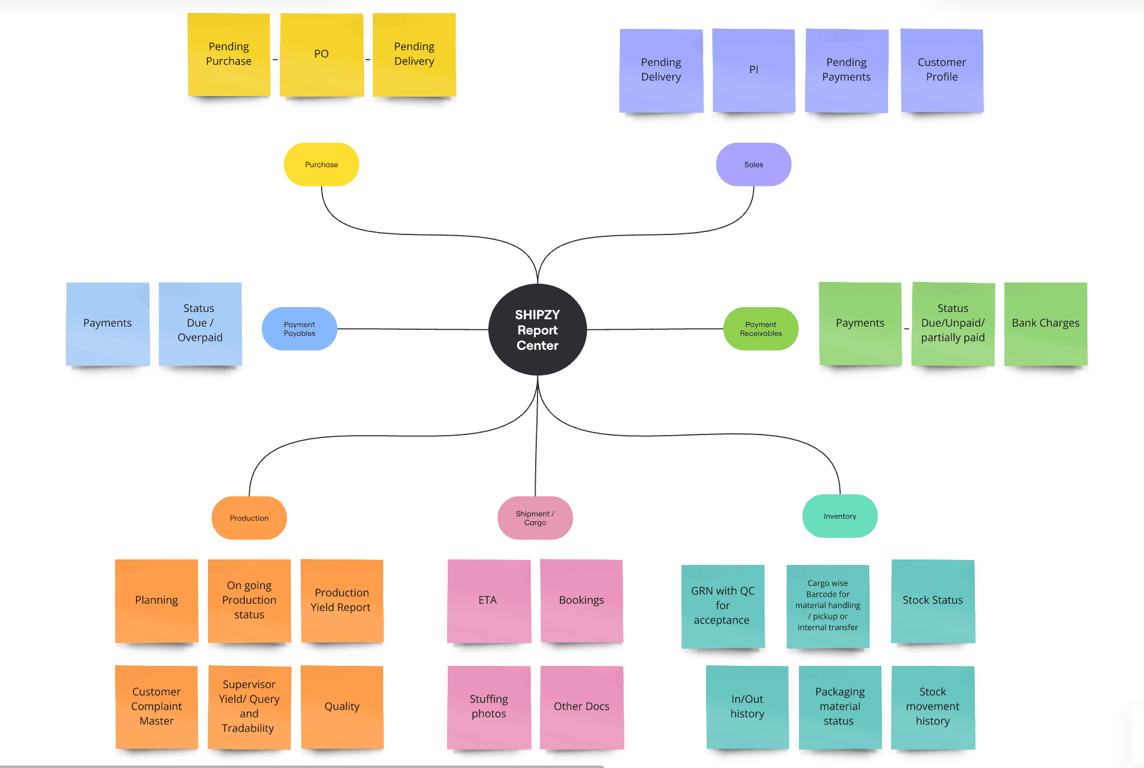
Expense and profit-and-loss reporting features help exporters review financial performance alongside execution. Explore Shipzy’s reporting and visibility features.
A practical use of an export order profitability tracking feature is identifying orders that look complete operationally but still have unrecorded costs.
For example, a received buyer payment does not mean the final margin is known if freight or handling bills remain outstanding. Review pending costs before treating profitability as final.
8. Complete eBRC Follow-Up and Order Closure
Shipzy includes “eBRC Closing Pending,” “eBRC Closed” and “Order Completed” statuses. Agree on what overall completion means for your business rather than assuming dispatch finishes the lifecycle.
Shipzy’s eBRC workflow generates eBRCs from inward-payment entries and retains closure history. Its DGFT integration can generate eBRCs and store certificates in Shipzy Drive for future access.
DGFT’s self-certification process uses bank-uploaded Inward Remittance Messages (IRMs) and relevant export details to generate eBRCs. EDPMS is separate: its updates and closure involve the Authorised Dealer under the applicable RBI framework. Check the relevant bank status separately. Refer to the DGFT eBRC Self-Certification Guide and the RBI regulations.
A Practical Example: Exporting Cumin, Coriander and Turmeric
Consider a manufacturer exporting cumin, coriander and turmeric.
The buyer has approved the PI and paid the advance. Cumin and coriander are ready, but turmeric processing is unfinished. The container is booked, and final packing quantities are still being confirmed.
A single “Order in Progress” label hides the problem. Separate production, booking and document milestones reveal why the invoice and packing list are not yet ready.
The manager can follow up on unfinished production and final packing data before releasing documents. After dispatch, the finance team continues payment, expense and eBRC follow-up.
Where Does AI Fit into the Workflow?
Shipzy’s in-built AI assistant, SIA, supports task visibility, pending actions and team coordination, while review and accountability remain with people. Learn more about the Shipzy SIA AI Agent.
AI can support teams as they review workflows and pending tasks, but users should continue to verify export-document details and decisions before taking action.
Make the Workflow Fit Your Export Business
Start with one representative order. Select relevant statuses, arrange the stages around your process, and define ownership and completion evidence.
Book a Shipzy demo using your own export order.
Walk through the applicable stages from quotation to closure and see how each team contributes to the same order view.
Key Takeaways
- Shipzy lets exporters choose which available order statuses to track.
- Separate milestones reveal pending work across departments.
- Manufacturers and merchant exporters can focus on different stages.
- Documents, payments, expenses and eBRC require distinct completion checks.
- External confirmations should support customs, banking and regulatory statuses.
Frequently Asked Questions
Can exporters choose which statuses to track in Shipzy?
Yes. Shipzy’s configuration includes enable and disable controls for available order statuses, allowing exporters to select the stages relevant to their business.
Does Shipzy support both manufacturers and merchant exporters?
Yes. Manufacturers can use production and batch-related stages, while merchant exporters can focus on procurement, goods receipt, documentation and shipment activities.
Do order statuses update automatically?
Related statuses can update when corresponding activities are completed in the software. Timely and accurate activity records remain essential.
Does Shipzy track work after dispatch?
Yes. Stages include payment receipt, expense entry, bank lodgement, courier documents, eBRC closure and overall order completion.
Does “eBRC Closed” mean EDPMS is closed?
Not necessarily. eBRC follows DGFT’s process, while EDPMS updates and closure involve the Authorised Dealer. Verify the relevant bank status separately.
References and Further Reading
- Shipzy Order Insight
- Shipzy Inventory Management
- Shipzy Pre-Shipment Documents
- DGFT Foreign Trade Policy 2023, Chapter 2, paragraph 2.06
- ICEGATE Download Utility Manual
- Shipzy Features: Reports and Visibility
- Shipzy eBRC Closure
- DGFT eBRC Self-Certification Guide
- RBI Export and Import of Goods and Services Regulations, 2026
- Shipzy SIA AI Agent