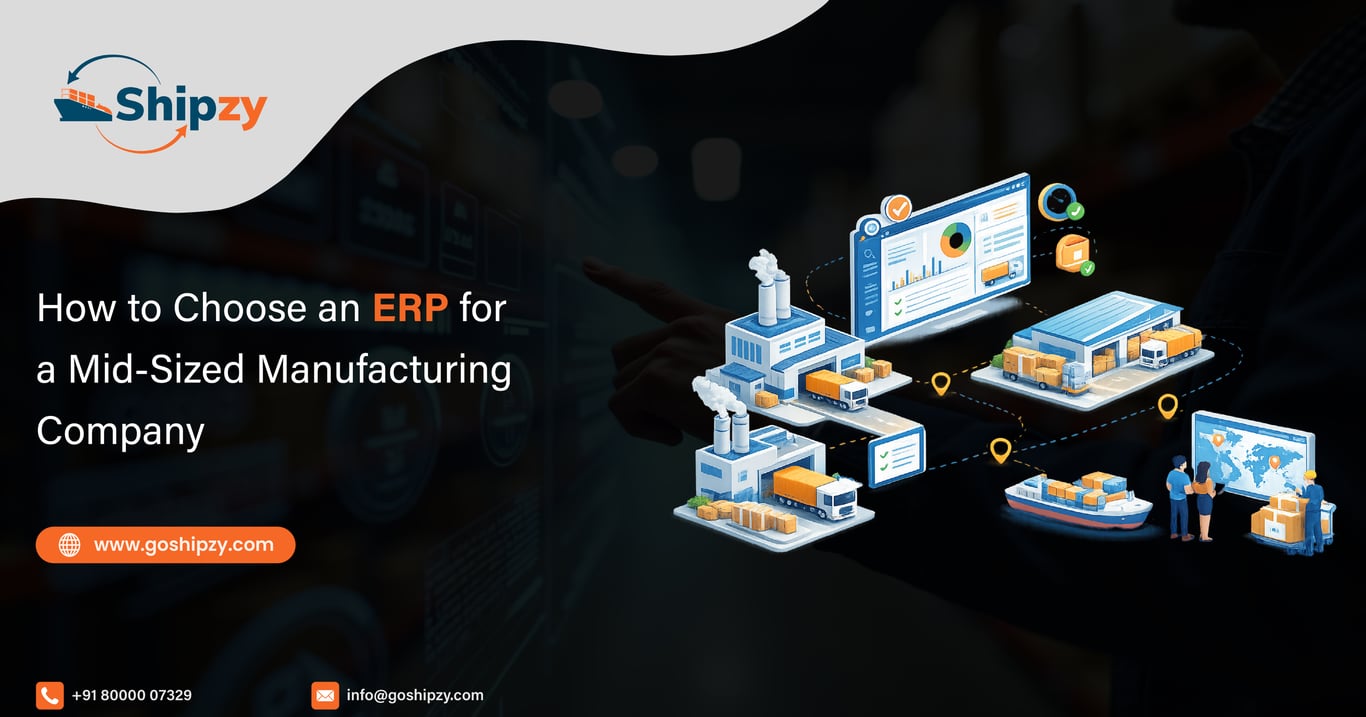
Choose a manufacturing ERP by testing how well it handles your actual production process, inventory movements, costing and order fulfilment. Start with business requirements, then compare systems through the same practical demonstration. Evaluate implementation capability, integration needs and total ownership cost alongside software features.
For export-oriented manufacturers, the evaluation should continue beyond finished-goods production. Check how the system supports packing, export documents, shipment coordination, expenses and payment follow-up.
At Shipzy, our recommendation is to define the operational problems first. Then decide whether you need a complete ERP replacement, an export-management platform connected to your existing ERP, or a phased combination.
1. Decide what you need the ERP to improve
Begin with a short list of business problems and measurable outcomes.
“Improve efficiency” is difficult to evaluate. “Show which orders cannot ship because raw materials are unavailable” gives the project a clear purpose.
| Current problem | Outcome to evaluate |
| Stock differs between departments | Consistent quantities by item, location and stock status |
| Production commitments rely on phone calls | Visible material and capacity constraints |
| Batch history requires manual searching | Traceability from supplier receipt to customer shipment |
| Costs become clear after dispatch | Estimated versus actual order contribution |
| Export documents require repeated entry | Reuse of approved order and packing data |
Involve production, purchase, warehouse, quality, sales, finance and export operations. Each department sees different failure points.
2. Identify your manufacturing model
An ERP suitable for assembly may not suit food processing or chemical blending without significant configuration.
Discrete manufacturing usually centres on components, assemblies, bills of materials and production operations.
Process manufacturing may require recipes, batch quantities, yield variation, co-products, by-products and quality characteristics.
Also establish whether you make to stock, make to order or engineer to order. A company designing equipment against customer specifications has different planning needs from a rice processor fulfilling repeat orders.
Ask vendors to demonstrate your model. A menu labelled “Production” does not establish that the underlying business logic fits.
3. Test material masters and units of measure
Material records connect purchasing, inventory, production and sales. Review item codes, descriptions, stock units, purchase units, packing conversions, batch controls and quality requirements before judging the screens.
For example, you may purchase material in kilograms, store finished goods in cartons and sell in metric tonnes.
A fixed conversion works when every carton contains the same quantity. Variable-weight packs may require separate tracking of count and actual weight.
Demo test: Receive 100 bags with an actual net weight of 2,470 kg. Ask the vendor to show stock, purchase reconciliation and valuation without forcing the receipt to equal a nominal 2,500 kg.
4. Examine procurement, GRN and quality controls
A purchase order should connect to goods receipt, inspection, supplier billing and payment.
Test partial receipts, shortages, excess quantities and rejected material. Confirm whether quality-held stock remains distinguishable from stock available for production.
The important question is not simply whether the ERP creates a GRN. It is whether the receipt accurately affects quantity, availability and value.
For imported inputs, also establish how freight, duty and other applicable costs enter material costing, and how recoverable taxes are treated separately.
5. Evaluate production planning and execution separately
Production planning determines what should be made, when and with which resources. Execution records what actually happened.
Check both.
| Area | Questions to demonstrate |
| Material planning | Does demand consider available stock, reservations and open purchases? |
| Capacity | Can the system identify machine or labour constraints? |
| Work orders | Can instructions and material requirements be controlled? |
| Consumption | Can actual usage differ from the planned quantity? |
| Output | Can it record finished goods, rejects, rework and process loss? |
| Completion | Does the output update the correct inventory records? |
If finite-capacity scheduling or subcontract processing is essential, make it a pass-or-fail requirement. Do not assume it is included in every manufacturing module.
6. Test traceability in both directions
Traceability should answer two questions:
- Which supplier lots contributed to this finished batch?
- Which customers received goods containing this supplier lot?
Use a practical example involving multiple input lots and split deliveries. A simple one-lot demonstration can hide weaknesses in more complex production.
For food and spices, test batch allocation and relevant quality records. For pharmaceuticals or chemicals, involve quality specialists in defining the required controls.
Also test corrections. If a user selects the wrong lot, the system should provide a controlled correction process and preserve the change history.
7. Follow an export order beyond the factory gate
Export order management software for manufacturers should connect production readiness with commercial commitments and shipment execution.
Ask the vendor to demonstrate:
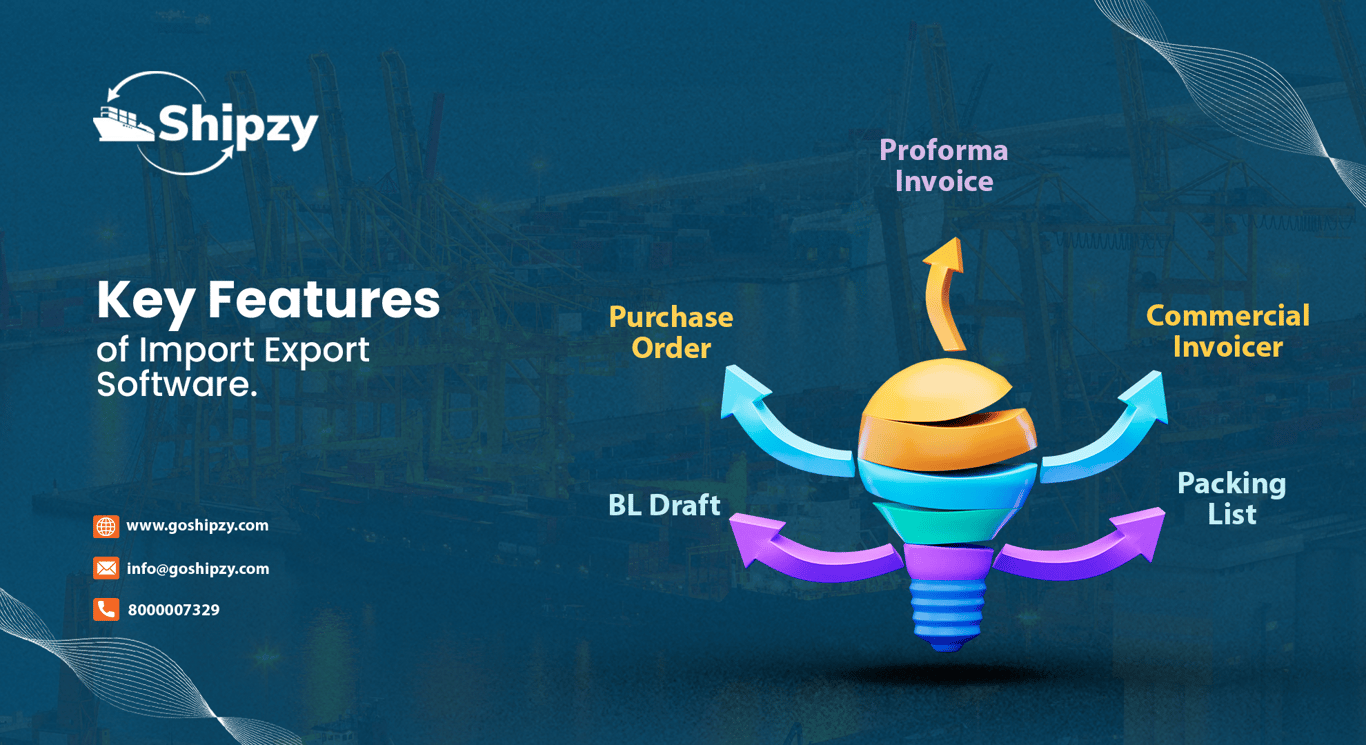
- Buyer PO and PI approval.
- Material procurement and production.
- Final packing quantities.
- Commercial invoice and packing list.
- BL-draft coordination and shipment milestones.
- Receipts, expenses and closure follow-up.
Suppose production completes 18 tonnes against a 20-tonne order. The system should preserve the remaining commitment when the first shipment leaves.
Also test changed packaging. A revised bag count should not remain unnoticed in the packing list or shipping instructions.
8. Check costing and profitability definitions
A manufacturing cost report and an export shipment contribution report answer different questions.
Manufacturing cost may include materials, labour and production overhead. Shipment contribution also considers attributable commercial and logistics costs.
Ask how the system handles:
- Planned versus actual material consumption.
- Yield losses and rework.
- Shared freight across orders.
- Partial shipments.
- Foreign-currency costs.
- Expenses received after dispatch.
Require clear definitions for each report. A figure labelled “profit” can mislead management if it excludes outstanding bills or uses an inconsistent allocation method.
9. Decide between cloud, on-premise and integration
Cloud software can support shared access across factories, offices and travelling teams. On-premise deployment may suit particular infrastructure or operational requirements. Cloud guarantees good controls.
Evaluate permissions, audit history, backups, recovery arrangements, connectivity requirements and usable data exports.
If your existing ERP already handles accounting and production well, replacing it may create unnecessary disruption. An integrated export-management platform may address the remaining documentation and shipment gaps.
Define which system owns each record and how integrations handle errors, duplicate entries and updates.
10. Use a weighted scorecard with mandatory gates
A scorecard helps prevent an attractive interface from dominating the decision.
The following weights are an illustrative starting point:
| Evaluation area | Suggested weight |
| Manufacturing process fit | 25% |
| Inventory, quality and traceability | 20% |
| Export workflow and documentation | 15% |
| Costing and reporting | 15% |
| Implementation and support | 15% |
| Integration, security and data access | 10% |
Score each area from one to five using demonstrated evidence.
Evaluate mandatory requirements separately. A high overall score should not compensate for failure to handle an essential production process or financial control.
Record whether each capability is standard, configurable, custom-built or dependent on another product.
11. Compare implementation effort and total cost
Subscription or licence fees are only part of the investment.
Include configuration, migration, integrations, training, customisation, support, infrastructure and your employees’ project time. Clarify recurring charges for users, storage, transactions and interfaces.
Ask the implementation team-not only the salesperson-how it will manage your project.
A credible plan should identify data owners, approval responsibilities, testing stages, opening-balance reconciliation and go-live support.
Before launch, run a complete transaction cycle with representative users and realistic exceptions. Define acceptance criteria and a cutover plan rather than relying on a promised date alone.
Where Shipzy fits in the evaluation
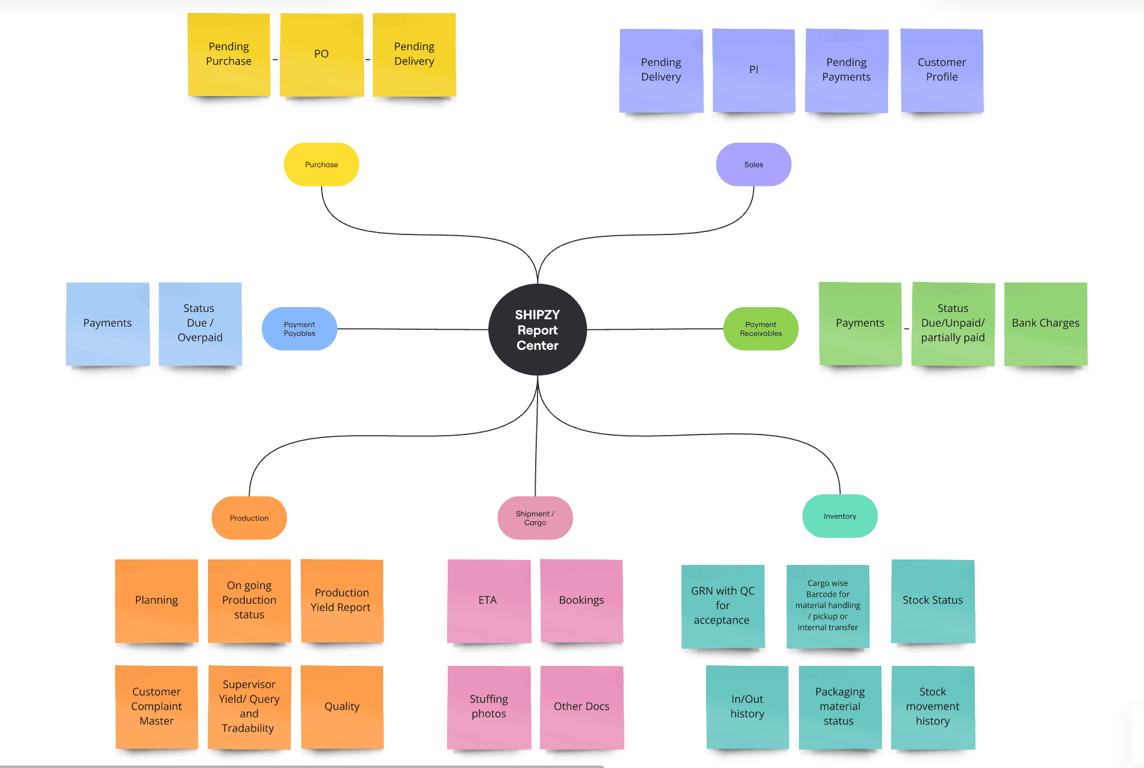
Shipzy is relevant for manufacturers with high % of export operations. Our published capabilities cover export documents, inventory, production workflows, shipment management, expenses and reporting. Our inventory functionality includes goods receipts, stock types, locations and supplier-related records.
We also provide integration support for Tally Prime and SAP Business and S4HANA SAP Cloud ERP. The records exchanged, direction of synchronisation and implementation scope should be confirmed for your project.
Evaluate Shipzy against your required scope. If you need advanced planning, complete financial accounting, maintenance management or other specialist functions, explicitly establish which system will provide them.
Choose through evidence, then implement with ownership
Shortlist vendors around your manufacturing model and ask each to process the same representative order.
Your best choice should handle routine work, expose exceptions and provide reliable records across departments. The implementation should also be realistic for the people responsible for running it.
Bring one manufacturing export order to a Shipzy demonstration. Include a material receipt, production batch, packing change and partial shipment so we can assess the workflow against your actual requirements.
Key Takeaways
- Choose around your manufacturing model and operational problems.
- Test unit conversions, actual weights, partial receipts and production exceptions.
- Assess export fulfilment beyond production completion.
- Use mandatory requirements alongside a weighted scorecard.
- Compare implementation effort and integration scope with the software price.
FAQ
What is the most important factor when choosing a manufacturing ERP?
Fit with your actual manufacturing process. The ERP should handle material planning, stock movements, production output, quality and costing without forcing essential work into disconnected spreadsheets.
Should a mid-sized manufacturer replace its existing ERP?
Not necessarily. If the current ERP performs core functions well, integrating specialised export-management capabilities may be more practical. Replacement makes sense when significant gaps remain across the core business processes.
What should I ask vendors to demonstrate?
Use one complete order covering procurement, goods receipt, quality checks, production, packing, dispatch and financial reporting. Add exceptions such as shortages, rework, changed packing and partial shipments.
How should I compare ERP implementation costs?
Compare the full scope: software, configuration, migration, integrations, training, customisation, support and internal project time. Obtain written assumptions and identify recurring charges separately.
Is cloud ERP suitable for manufacturing exporters?
Yes, It can be, particularly when teams work across locations. Assess connectivity, shop-floor requirements, permissions, recovery arrangements and integrations before choosing the deployment model.
Can Shipzy support manufacturing exporters?
Yes, Shipzy offers inventory, production, export documentation, shipment and financial-reporting capabilities.